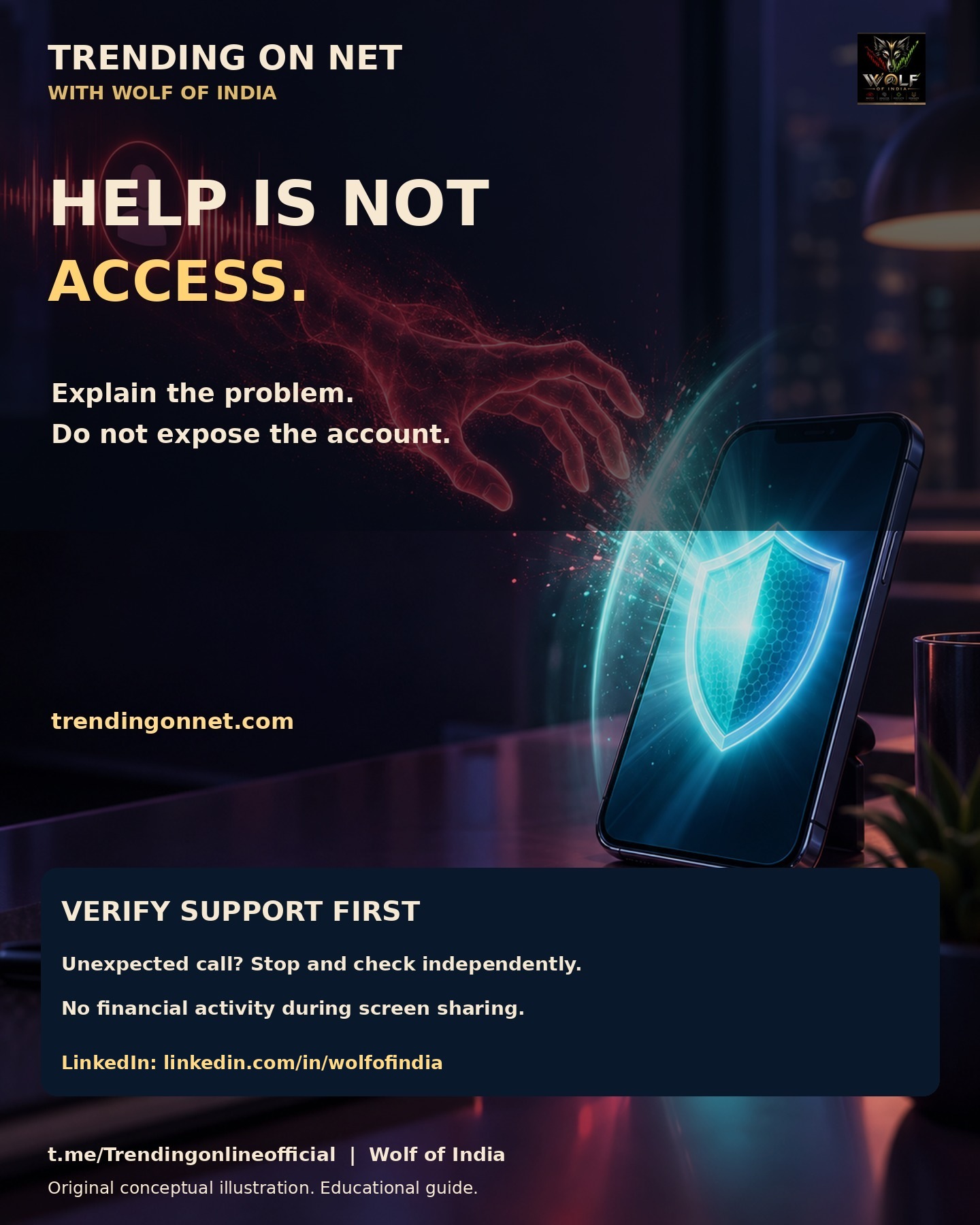
A request for help can become a request for access. A caller says a payment is stuck, a refund is waiting or an account needs an urgent check. Then comes the instruction to install an app, share the screen or read out a code that lets someone connect. The supposed support conversation has changed into a decision about who can see or control the device.
NPCI’s fraud-awareness guidance warns that remote-access and screen-sharing apps can let fraudsters access or view a screen. It advises avoiding these apps while making financial transactions. This is an explanation of an existing safety warning, not a report of a new attack campaign or a claim that every remote-support tool is malicious.
Sharing the problem is different from sharing the screen
You can describe an error message without giving an unexpected caller a live view of your banking session. You can provide a transaction reference through an official support process without exposing every notification arriving on the phone. Those are different levels of access.
A screen-sharing session may show private information even if the other person cannot press buttons. A remote-control session may allow additional interaction, depending on the tool, permissions and device. Do not assume that a familiar-looking app name establishes the caller’s identity or makes every requested permission necessary.
A hypothetical support call, step by step
Imagine a customer posts publicly that a payment has not arrived. Someone contacts them, claims to be support and asks them to install a remote-help app. The caller says staying connected will speed up the case. This is a fictional teaching example, not a verified customer incident.
The first check is the route: did the customer independently open the service’s official support channel, or did the purported agent arrive after seeing a public complaint? The second check is the action: why would resolving this particular issue require a stranger to watch a bank login, incoming one-time codes or an authorisation screen?
A case number, confident tone or copied brand logo is not enough to answer those questions. Pause the session. Find the support route independently through the bank’s official website or app, and ask whether the requested procedure is genuine. Do not use the unexpected caller’s own link or phone number as the verification.
Do not turn a complaint into a public account record
NPCI advises users not to post transaction details about grievances on social media. A public screenshot can reveal names, partial account details, transaction references or contact information. It can also make the timing and subject of a later impersonation more convincing.
Keep evidence, but share it privately with the bank or appropriate authorities through their established process. Crop or redact personal details before any public discussion. Redaction is not a reason to publish PINs, passwords or one-time codes at all.
Use an exit-and-verify rule
- Stop the financial activity before dealing with an unexpected support request.
- Do not disclose a UPI PIN, card credentials or incoming codes to the caller.
- Do not open a payment or bank app while a stranger can view the screen.
- Leave the unsolicited conversation and locate the official support route yourself.
- If you already granted access, contact the bank promptly through its official route and explain exactly what was shared or approved.
Stopping a screen share does not reverse a payment already authorised. Removing an app does not prove that no information was exposed. The next steps depend on the permissions, account activity and device involved. Ask official support what account-protection steps apply, rather than accepting a caller’s promise that the device has been cleaned.
Legitimate remote support still needs boundaries
Remote support has legitimate uses. The point is not to classify a technology as always unsafe. It is to distinguish a support session you independently verify and control from an unexpected demand for access during a financial interaction.
Before any legitimate session, understand its purpose, visibility and permissions. Keep unrelated private accounts closed. If the request changes halfway through, stop and verify again. A tool’s existence does not grant the person using it permission to see your financial information.
The practical rule is simple: an explanation can travel through a conversation. Access to a device is a separate decision. Urgency, a refund promise or a support badge should not collapse those two decisions into one.
Source and scope
Source checked 27 November 2026: NPCI fraud-awareness guidance, including its warnings about remote access, screen sharing, unknown apps, public transaction details and financial activity during third-party calls. This original guide and conceptual illustration were created with AI assistance. It does not identify a particular bank, app or caller as fraudulent and does not promise recovery of money.
Disclosure: For information and education only, not investment advice. We are not a SEBI-registered analyst. Double-check original sources before financial decisions. We hold zero shares in companies mentioned in this article. We do not take or promote positions on misleading price information for personal gain, or use this platform to mislead traders or investors. Our purpose is financial literacy and access to information, without a personal or monetary motive behind the information shared.
FOLLOW WOLF OF INDIA, FREE EVERYWHERE
WEBSITES
Wolf of Dalal Street: https://wolfofdalalstreet.com
Stockmarket360: https://stockmarket360.in
BizTechIndia: https://biztechindia.com
Jobat360: https://jobat360.com
Trending on Net: https://trendingonnet.com
Blog + daily digest: https://wolfofdalalstreetofficial.blogspot.com and https://wolfofindia.blogspot.com
APP
Free news app: https://wolfnews.surge.sh (turn on notifications)
YOUTUBE
Wolf of Dalal Street: https://www.youtube.com/@WOLFOFINDIA360
CHANNELS (free updates by message, our newsletter)
WhatsApp channel: https://whatsapp.com/channel/0029VaswZ107YSdBnLu1FY3g
Telegram (Wolf of India): https://t.me/WOLFOFINDIA
Telegram (Wolf of Dalal Street): https://t.me/wolfofdalalstreetofficial
Telegram (Stockmarket360): https://t.me/stockmarket360official
Telegram (BizTechIndia): https://t.me/biztechindia
Telegram (Trending Online): https://t.me/Trendingonlineofficial
WhatsApp Business (join, message preferred): https://wa.me/919619991645
PROFILES
LinkedIn: https://www.linkedin.com/company/wolfofdalalstreet/
Instagram: https://www.instagram.com/wolfofindiaofficial
Facebook: https://facebook.com/wolfofdalalstreetofficial
X: https://x.com/Wolf_India360
Reddit community: https://www.reddit.com/r/WOLFOFDALALSTREETJOIN/
Quora Space: https://wolfofdalalstreet.quora.com
Diigo: https://www.diigo.com/user/wolfdalalstreet
RSS FEEDS
https://wolfofdalalstreet.com/feed/ | https://stockmarket360.in/feed/ | https://biztechindia.com/feed/ | https://jobat360.com/feed/ | https://trendingonnet.com/feed/ | https://wolfofdalalstreetofficial.blogspot.com/feeds/posts/default
Market and business education only. Not investment advice. No tips, no targets.